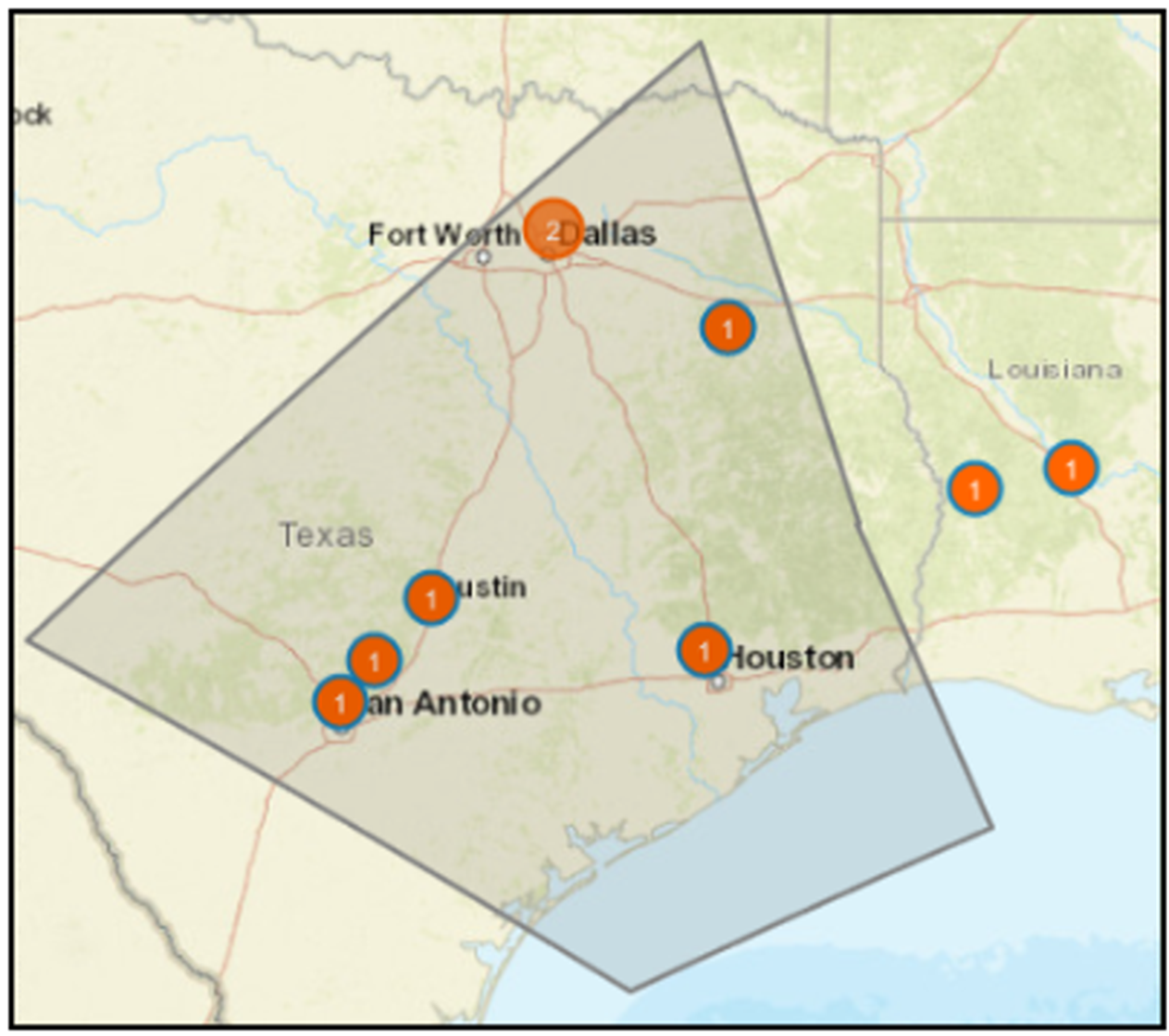
Select state of ellipse shape
Steps to define and select an ellipse polygon.

To define a polygon, click Polygon and then click on the map to create the first point. Move the pointer and click on the map to create additional points. The shape outline will be black, as shown in the following image, while you are drawing the polygon, indicating that it is in an unselected state. Double-click to finalize the shape; the shape outline turns to teal. You can only finalize the shape after selecting the third point.