|
|
|
|
Docking a Window |
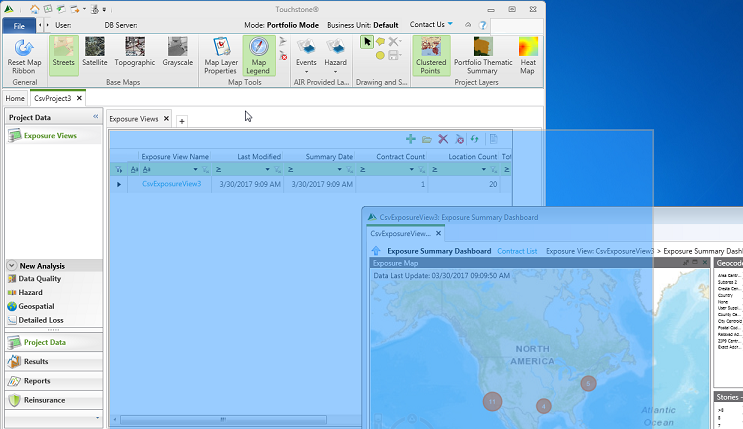
If you have a secondary window open, you can dock the secondary window onto the primary window. A secondary window is a window that does not include the File tab.
To dock a window:
1. Ensure that you have multiple windows open. For example, undock a tab.
2. Right-click a secondary window and then select Dock Window.
3. Alternatively, drag-and-drop a secondary window onto a hotspot indicator in the primary window.
The secondary window appears as a tab in the primary window.
|
© 2020 AIR Worldwide. All rights reserved. Touchstone 6.0 Updated September 03, 2020 |
